
Creating users
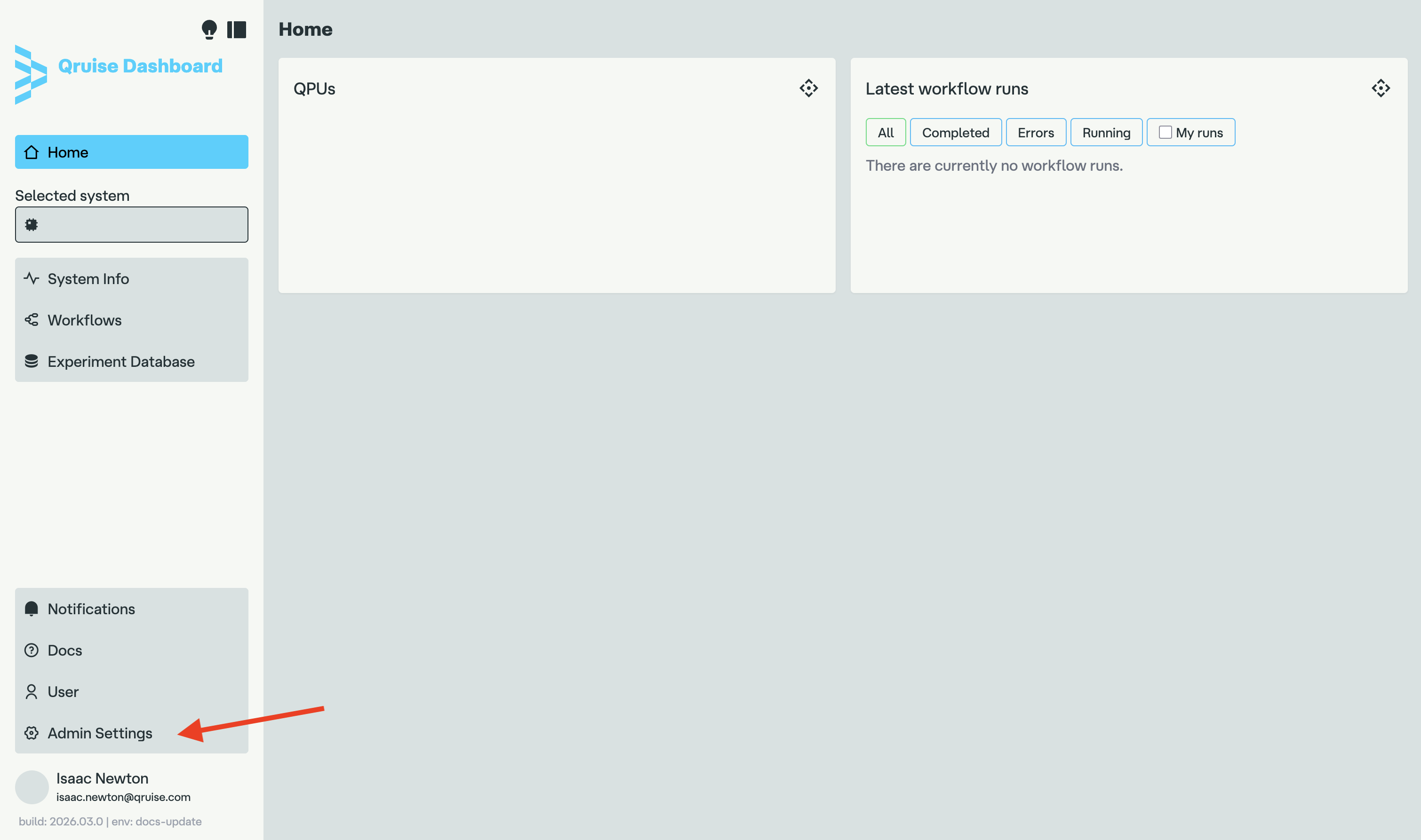
For security reasons, new users can only be created by the tenant admin. To add a new user, start by navigating to the dashboard and going to the "Admin Settings" page:
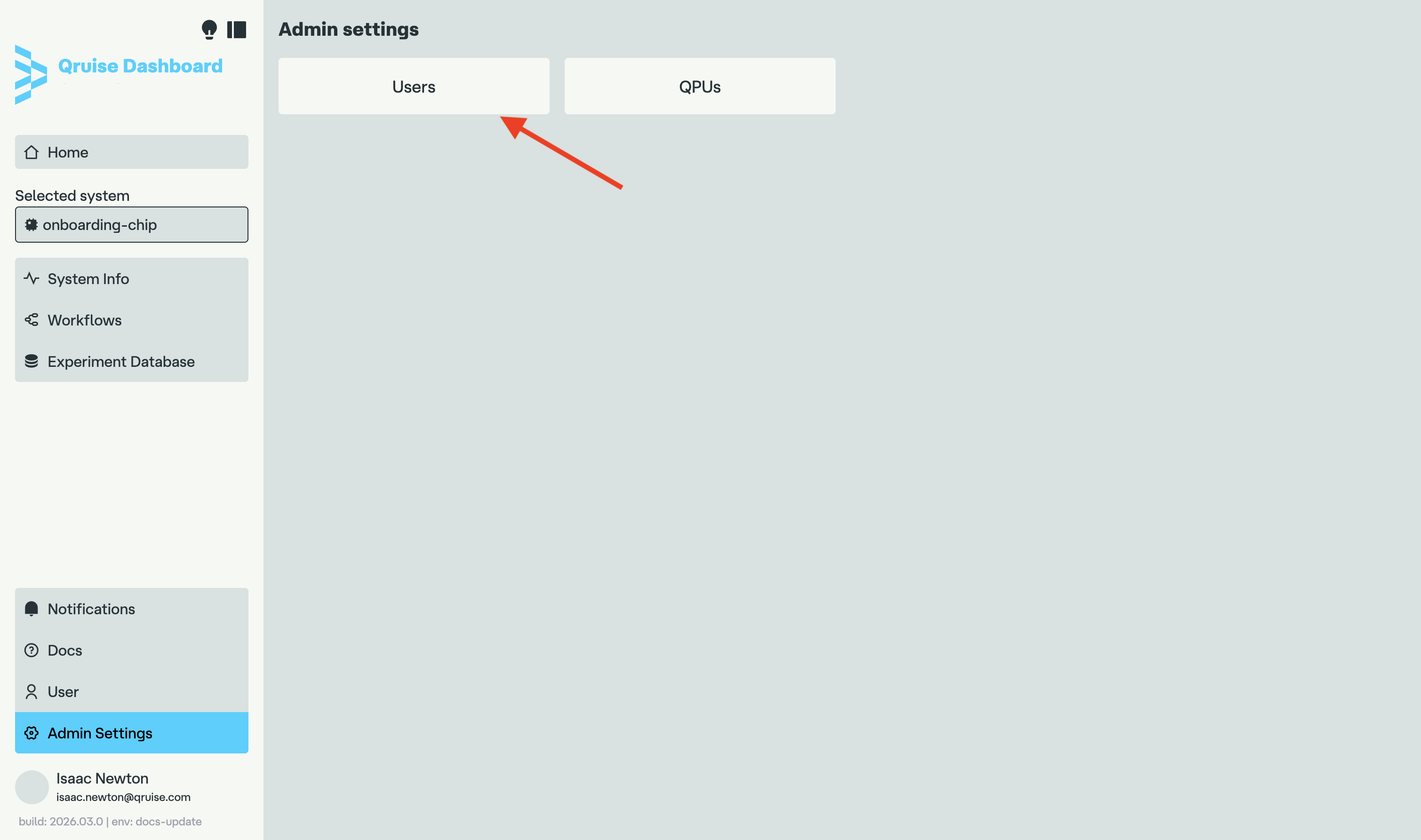
Once in the admin settings view, click on the "Users" button:
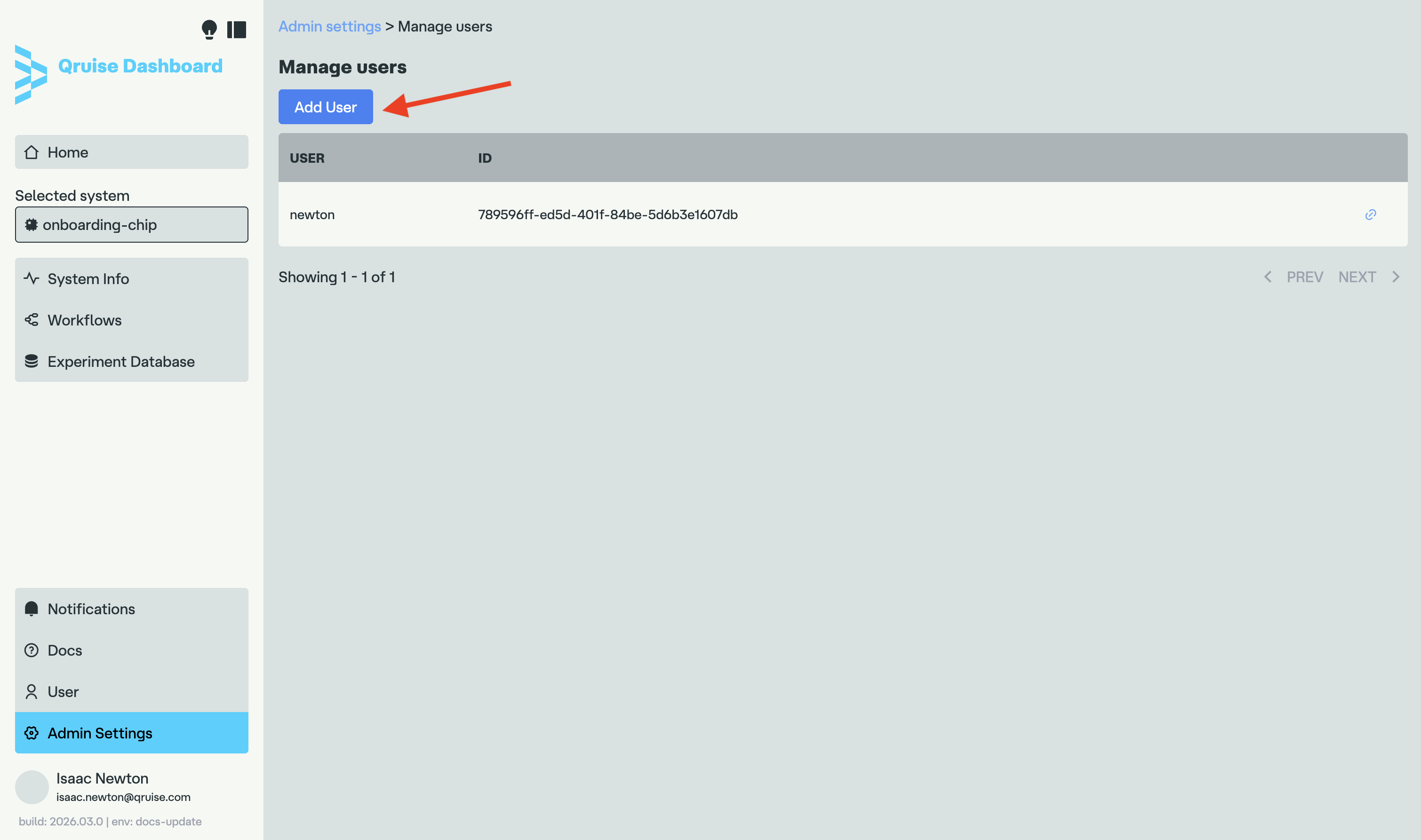
You will now see the list of users registered on your tenant. If you haven't created any additional accounts yet, it will only show your own account. You can now click on the "Add User" button to add a new one:
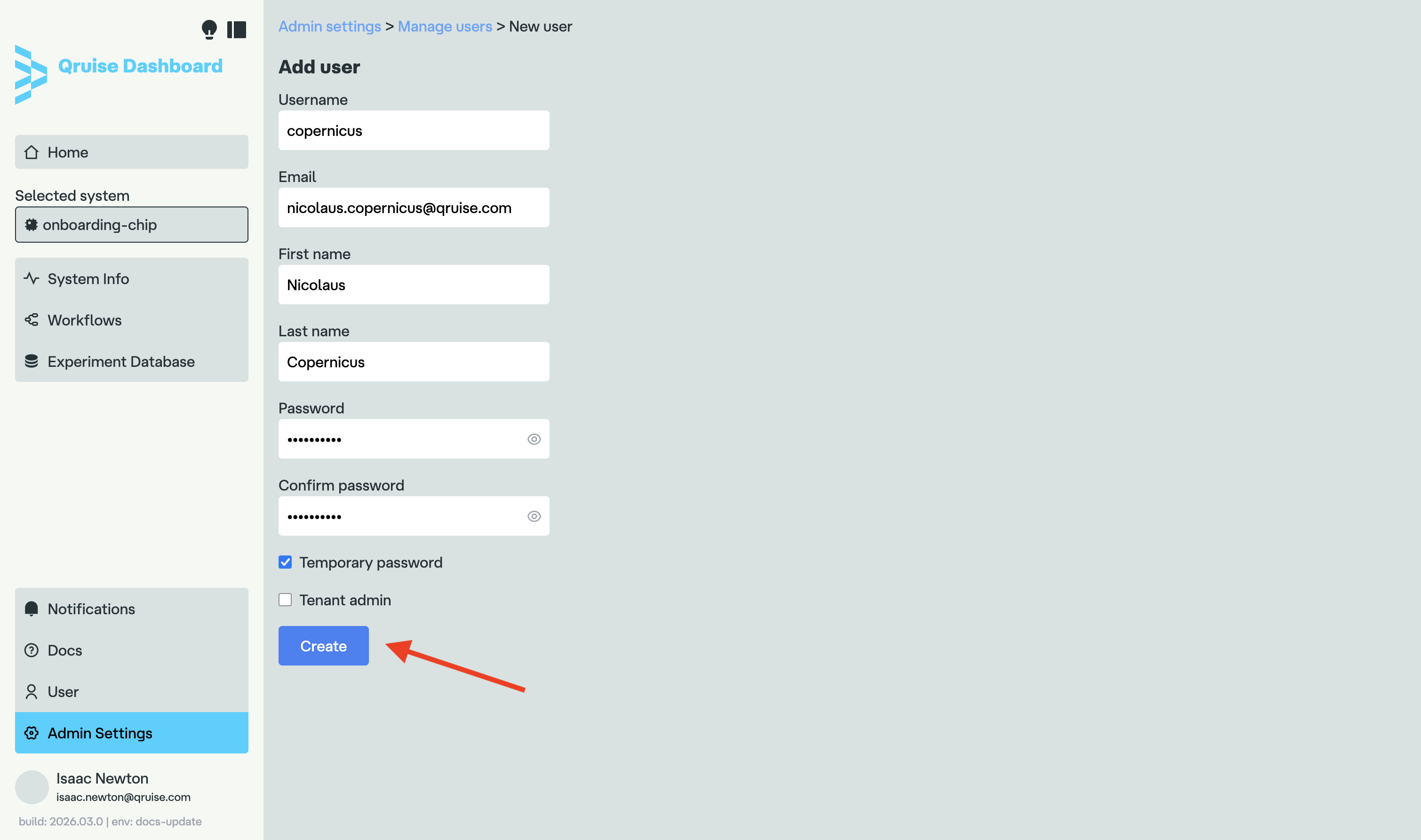
In the page that opens, simply fill in the new user details, just like when you created your own account. You can also choose if the user should be granted tenant admin privileges and if the password you choose for them should be temporary or not.
Password security
For security reasons, we strongly recommend that the "Temporary password" checkbox is selected.
When you are done, simply click the "Create" button:
You can now send the username and password to your team member. If you chose the password to be temporary, they will have to choose a permanent password the first time they log in.